Having recently returned from the inuagural European Revit Technology Conference I thought I'd give a quick report on how it all went. Having been to all the RTC events this year, and all but one RTC ever, it was interesting to compare this event with others.
The Venue
Firstly, the venue was amazing - a mixture of old and new in the historic city of Delft in the Netherlands. Delft looks like a miniature version of Amsterdam but without the swarms of tourists - very old Dutch gabled buildings lining canals.
- The welcome function was in the Lambert van Meerten Museum, the setting of one of Vermeer's famous paintings. We were welcomed by a representative of the City of Delft who demonstrated an extraordinary aerodynamic umbrella that was invented in Delft.
- The main venue was the Waalse Kerk - a beautiful old church. There we enjoyed the spectacle of Wesley Benn speaking from the pulpit (sorry he isn't in the pic below).
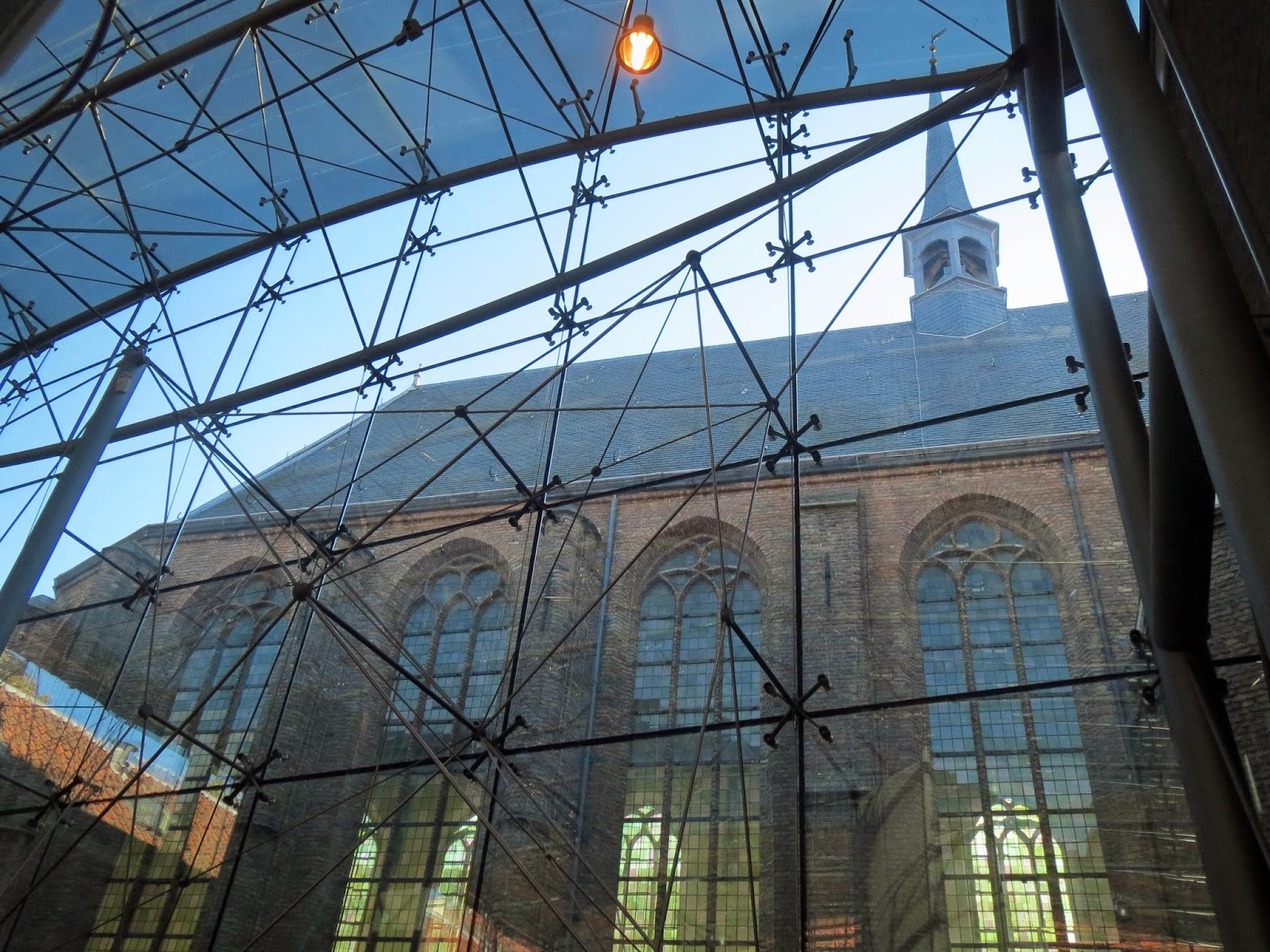
- The breakout / exhibition space was adjacent to this in a very elegant high-tech glass enclosed courtyard - they really know how to mix old and new buildings well in Europe (I've seen a lot of this sort of stuff in Belgium and the Netherlands).
- The second presentation venue was the Meisjeshuis,
just down the canal - well, it was a few minutes walk away beside the
canal. Once a nurses home and then a girls orphanage, it has now been
converted to a conference venue.
The walk back to the main venue was a bit scary on two counts:
- The alarming lean of the tower on the old chuch - looking as if it would topple over onto the Waalse Kerk any minute;
- If you were too busy looking at the tower you could be knocked into a
canal by one of the multitude of bicycles hurtling along the streets.
Talking of which, how do those cars park so close to the edge without
falling into the canals.
- Mind you, if your car goes into the canal there many bikes to choose from - they even have double-decker parking at the railway station.
The Conference
Very sensibly the inaugural conference for Europe was kept small - this made it feel more intimate, like the earlier RTC events. There were not so many session to choose from, thus making decisions was not as agonising - only 3 instead of 6 or 7 concurrent sessions. Even so, I still missed one or two things I'd liked to have attended. The two day length seemed so much shorter than other RTCs - it was over so quickly. Hopefully it will expand to 3 days next year, now that it has proved to be such a success in Europe.
Speakers were very international - from Europe, North America and Australasia. Attendees were from all over Europe, but there were large contingents from Norway, Denmark (one company sent 7 people!), the UK and of course the locals (The Netherlands).
The Day Families Became Self-Aware
One of the highlights for me was the session presented by Matt Jezyk - "The Day Families Became Self-Aware" - an intriguing look at what might happen to Revit families in the future. In this session Matt started off talking about how useful it would be if families were able to react to their Revit environment - for example, a door that is hosted in a fire-rated wall might need to enable its own fire-rating and change its panel thickness and materials etc. Currently this is a very manual process for the user having to swap out the door type (although we do now have reporting parameters that allow us to make the door respond to wall thickness). Matt then talked about the whole process of API and Dynamo/Python scripting where it is possible to make Revit do all kinds of things, being driven by external code. However, scripts and API have to be initiated by the user - they cannot react to stimuli or changes in the Revit model itself, so we are still reliant on the user again. This is all stuff that we know about or are starting to learn of.
Then the exciting stuff started - Matt proposed a type of scripting that could automatically run itself as a response to when a change is made in Revit. He showed us a prototype of Revit families that contained Dynamo or Python scripts - these families could be placed into Revit models as normal. When placed the family would run the script and change the component according to where and how it had been placed, for example a door hosted into a wall could check its fire-rating and adjust itself to suit. Not only that, but if the wall was to subsequently change, the hosted door would re-check the fire-rating and respond again. So, no user intervention or checking is required. Wow! My reaction to that was the same level of excitement I had when I first saw Revit automatically change a drawing reference when a sheet was renumbered: I want it, and I want it now!!!
Needless to say, this was only a proof of concept, so there is no guarantee that it will ever be implemented in Revit. Of course it takes quite some time for something like this to reach the market, supposing they do go ahead with it - lots of testing and checking needs to happen. However, the buzz that was generated in the conference after that was quite noticable. I was only sorry I was not able to attend Kelly Cone or Martijn de Riet's concurrent sessions - but this was unmissable stuff.
Fractal Fun with Revit Repeaters and Adaptive Components
 |
| Photo by from twitter |
My own presentation went well - incorporating some improvements since last time.
It started off showing some fun stuff with Fractal theory and example patterns in Revit:
 |
| Fractal patterns - source Wikipedia |
 |
| Koch Snowflake - source Wikipedia |
|
 |
| Fractal Triangles created in Revit |
 |
| Fractal Trees created in Revit |
After the fun I demonstrated a few practical examples of how to use nested repeater patterns in Revit, including a picket fence that follows the contours of a site toposurface.
 |
| Adaptive fence component with nested repeaters - follows contours |
Following this was a less practical but still useful example of how to nest repeater patterns inside curtain panel pattern components in order to force Revit to trim the edges of repeater patterns (which it normally will not do):
Then came the demo of creating a Revit model of the roof of Santiago Calatrava's Gare do Oriente in Lisbon. This consited of multiple repeater patterns nested three levels deep, which allowed the creation of very a flexible parametric model with minimal use of maths
 |
| Repeater one - one-eigth segment of column with variable number of struts |
 |
| Repeaters two and three - segment rotated/mirrored around its centre |
 |
| Repeater four - column assemly in two way array over station platforms |
 |
| Roof assembly at Revit-Dusk |
All of this was done as a live demo in Revit, albeit with some partially prepared sample files in case it didn't work under the glare of an audience.
 |
| Photo by Martin Romby - from Twitter |
Roll on RTC Europe in Dublin in August 2014.